Before we start
Choose your display.
Pick the one you have.
Your display
LumaGlow setup
One screen. One action. About five minutes.
Before we start
Pick the one you have.
Your display
Quick connect
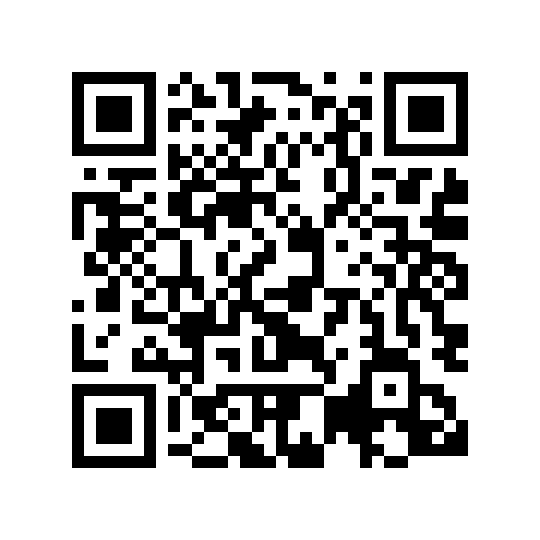
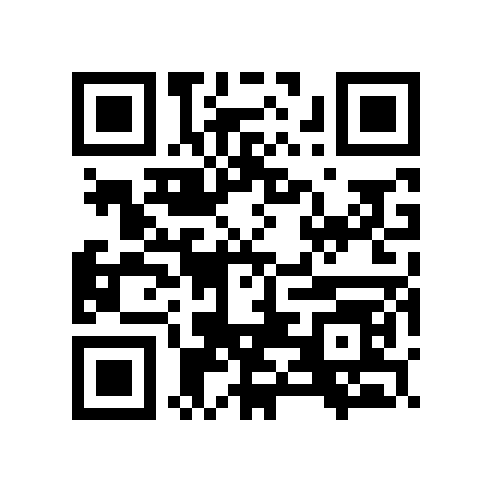
Open your camera and point it at the QR card.
Scan this first
 LumaGlow Wi-Fi
Open Settings > Wi-Fi. Tap this network:
Connect to Wi-Fi and view available networks.
MY NETWORKS
OTHER NETWORKS
“No Internet” is normal during setup.
Setup page
This page should open automatically.
Keep your phone on LumaGlow Wi-Fi and open http://172.31.253.1/.
Tap this button
Home Wi-Fi
Choose 2.4 GHz home Wi-Fi. Enter its password.
Complete 1, then 2
Save
Next, copy your permanent control URL.
Tap this button
Device address
Tap 1, then 2. Keep LumaGlow plugged in.
Tap 1, then 2
You're done
See this control panel? You are done.
You should see this
Matches the current LumaGlow Edge and Scroll setup pages and control panel. Verified July 25, 2026.